
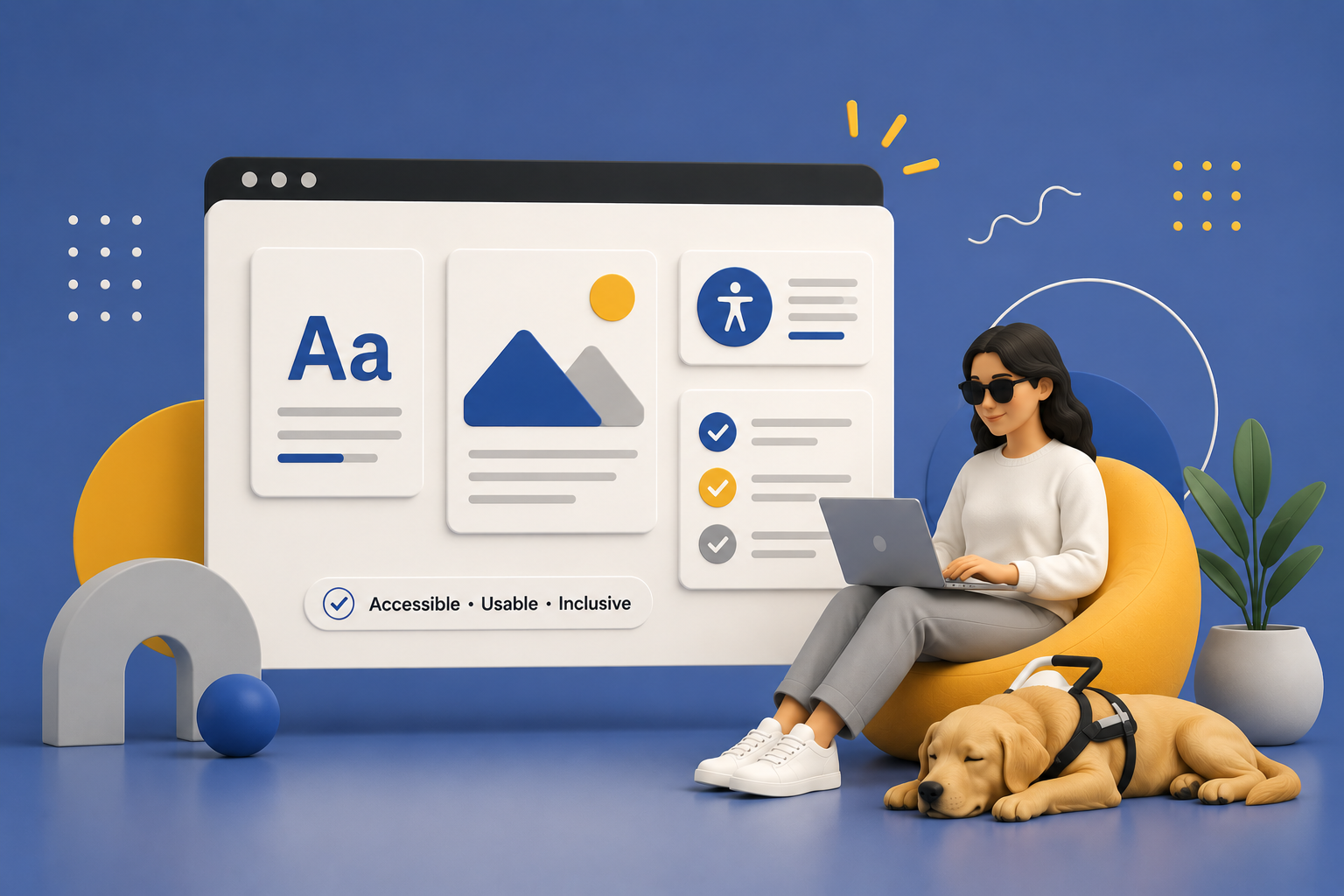
Web Accessibility
For All, Not Some.
MyWCAG scans your website for accessibility issues and translates technical WCAG findings into clear, actionable insights. Understand where your website may be creating barriers for users, how those issues affect compliance readiness, and what your team can do next.
●Our Mission
The Internet Should Work for Everyone.
MyWCAG helps organizations better understand how accessible their websites are for individuals using assistive technologies and accessibility accommodations. Started by a visually impaired business owner; the platform scans websites for WCAG-related accessibility concerns and generates actionable reports designed for business owners, developers, marketers, and digital teams.
The goal of MyWCAG is not only to identify accessibility issues, but to translate technical findings into clear business and user experience insights. Accessibility improvements can support usability, SEO performance, compliance readiness, engagement, and overall digital inclusivity.

Why WCAG Compliance Matters
Web accessibility ensures that digital experiences can be accessed and understood by a broader range of users, including individuals who rely on screen readers, keyboard navigation, magnification tools, voice control software, and other assistive technologies.
Beyond accessibility itself, WCAG compliance can contribute to stronger user experience, improved search engine optimization (SEO), better engagement metrics, and reduced reputational or regulatory risk.
In Canada, federal ICT Accessibility Standards (CAN/ASC - EN 301 549) incorporate WCAG 2.1 Level A and AA standards for digital content. In the United States, the Americans with Disabilities Act (ADA) has increasingly recognized website accessibility as an important consideration for organizations operating online.
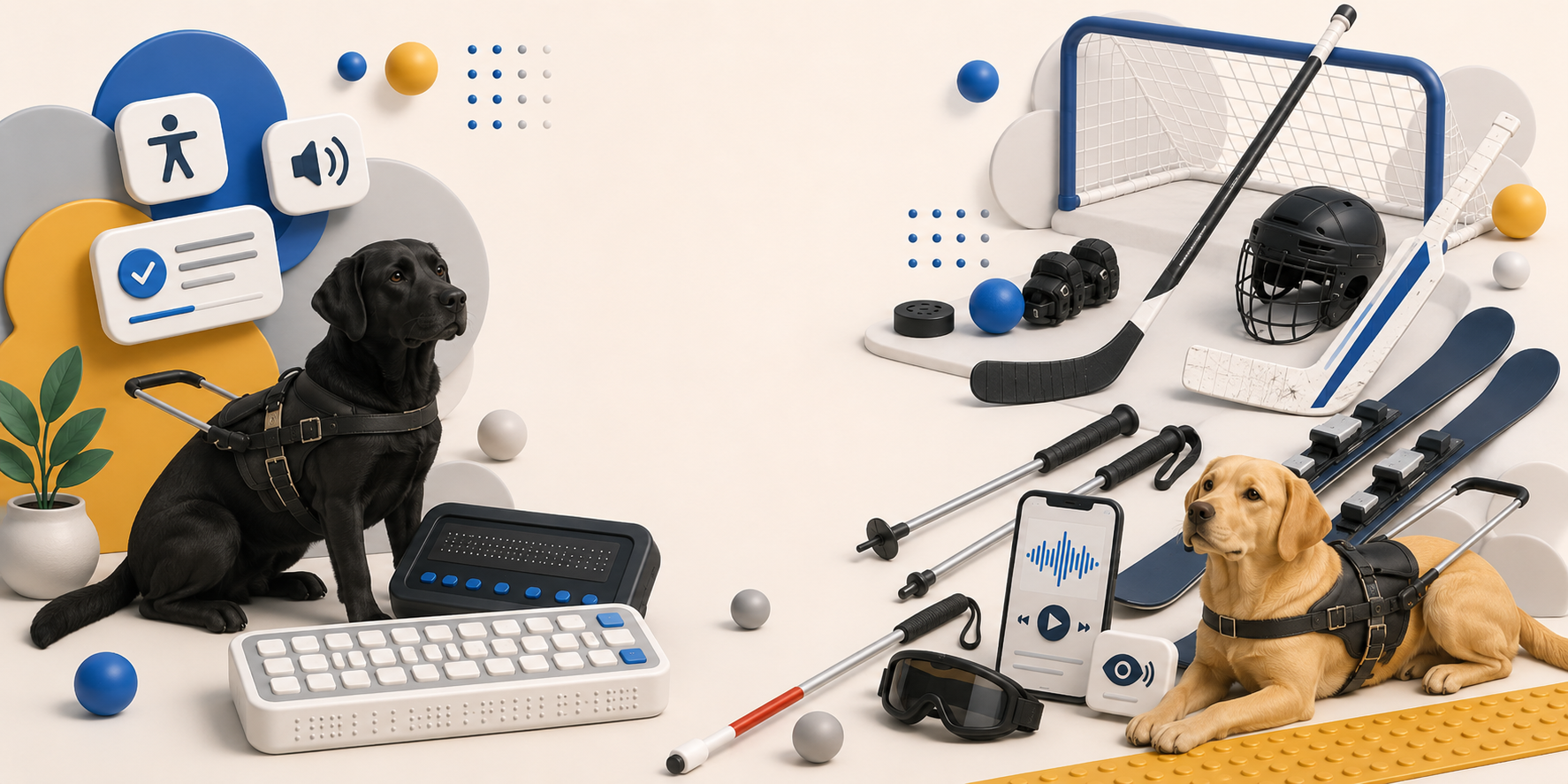
Every report helps support charities for the blind and visually impaired.
Because everyone deserves equal access online.
Canadian Accessibility Standards
Canada’s ICT Accessibility Standards (CAN/ASC - EN 301 549) incorporate WCAG 2.1 Level A and AA guidelines into accessibility expectations for digital services. These standards emphasize inclusive design, usability, and accessible communication for all users.
Reference:
https://www.canada.ca/en/employment-social-development/programs/accessible-canada/consultation-accessibility-regulations-information-communication-technologies/module-2-discussion-guide.html
American Accessibility Standards
In the United States, the Americans with Disabilities Act (ADA) has increasingly been applied to digital experiences and website accessibility. Organizations are encouraged to ensure their websites are usable for individuals with disabilities and compatible with assistive technologies.
Reference:
https://www.ada.gov/resources/web-guidance/
Common Accessibility Issues
Many accessibility barriers are relatively simple to identify and fix, yet they can have a significant impact on users who rely on accessibility accommodations.
Common issues include:
• Low colour contrast between text and backgrounds
• Missing alternative text for images
• Links without descriptive text
• Improper heading hierarchy
• Missing form labels
• Inaccessible keyboard navigation
• Buttons or interactive elements without screen reader support
Correcting these issues can dramatically improve the experience for users navigating websites with screen readers, keyboard-only navigation, visual impairments, cognitive disabilities, or other accessibility needs.
The Report Score Interpretation
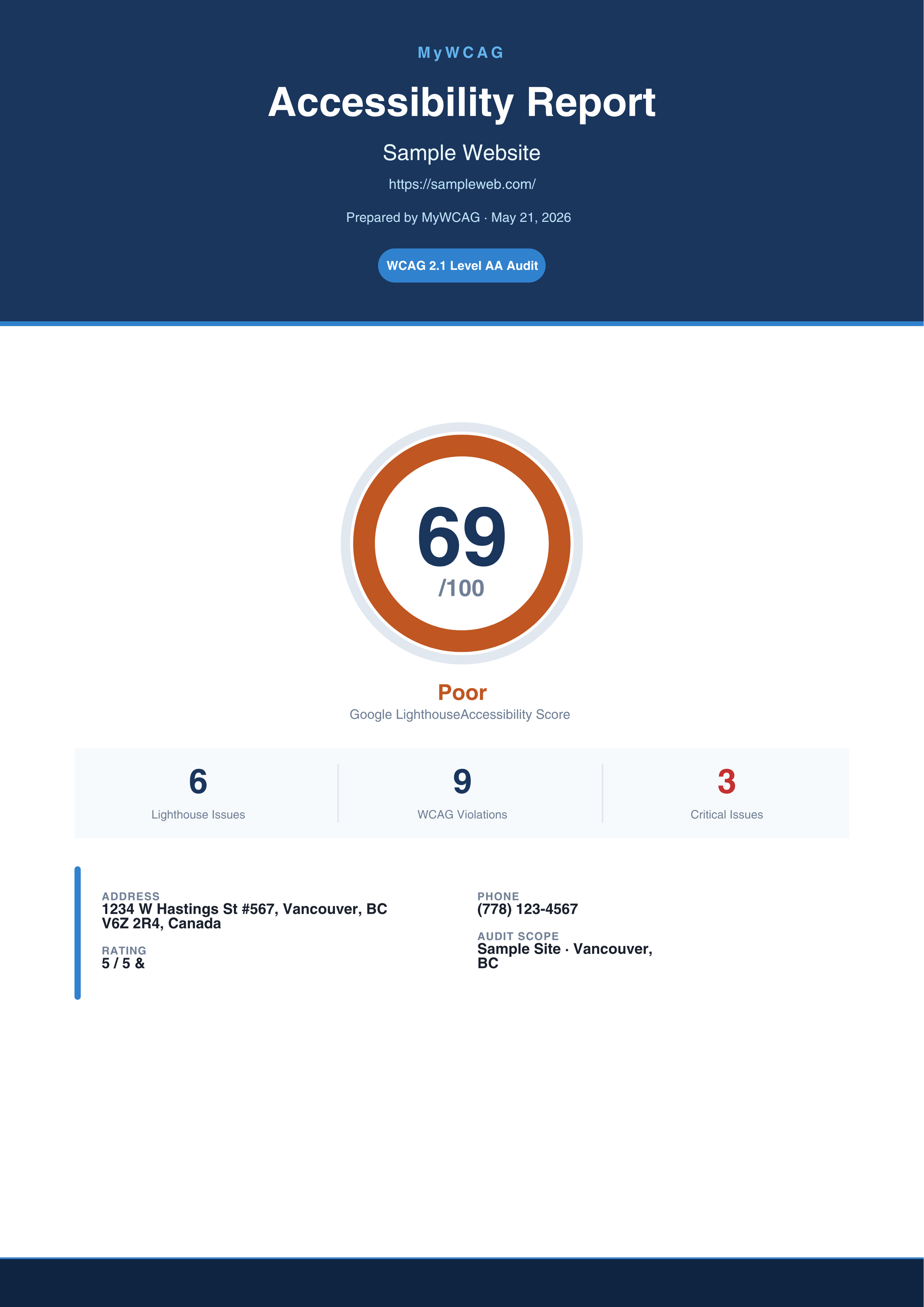
90-100
Your website is generally accessible, with minor improvements recommended.
60-89
Accessibility issues are present and should be reviewed.
0-59
Your website may contain significant accessibility barriers that should be prioritized for remediation.
Curious how accessible your website really is? Run an accessibility audit and receive your WCAG score.
Business Impact Messaging
A lower accessibility score does not only affect compliance readiness. It can also signal practical barriers that make a website harder for people to use, navigate, understand, or complete key actions on. When accessibility issues are present, users may struggle with reading content, interacting with forms, using navigation menus, understanding page structure, or accessing information with assistive technologies.
These barriers can have a broader impact on overall website performance. Accessibility limitations may reduce usability, limit search engine discoverability, lower user engagement, increase drop-off rates, and negatively affect conversion opportunities. They can also influence how users perceive the organization, as a difficult or inconsistent digital experience may reduce customer confidence and trust.
Improving accessibility helps create a more inclusive digital experience for people with a wide range of abilities, devices, and browsing needs. It also supports stronger website usability, clearer content structure, improved performance across user journeys, and better long-term readiness for evolving accessibility standards and compliance expectations.